
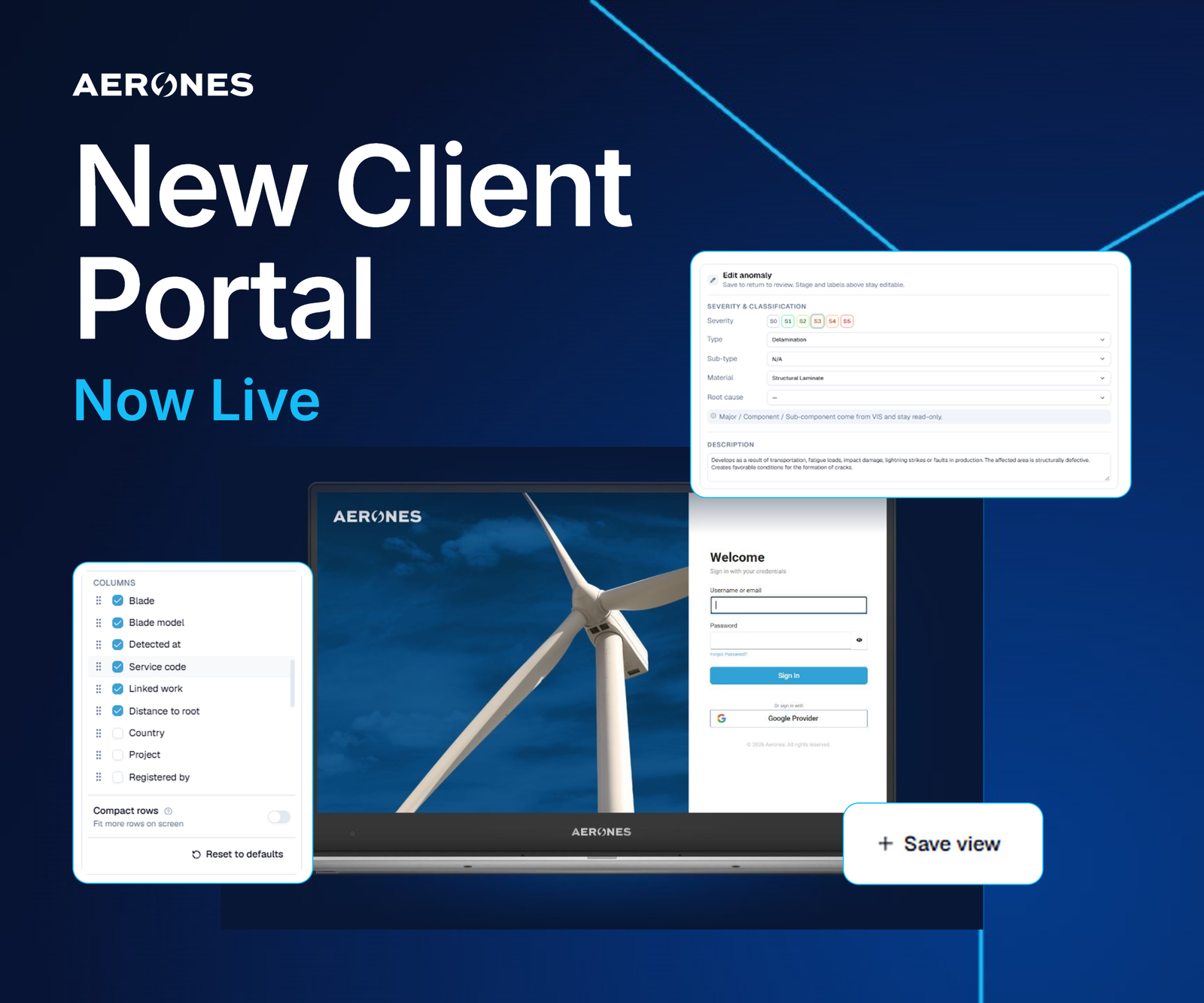
Aerones has rebuilt its client portal for wind operators, and the new wind turbine inspection portal went live on October 19, 2026 at portal.aerones.com. The address and the login are unchanged. Every inspection, finding and blade record that clients had before is already loaded in the new version.
The company builds robots that work on wind turbines, and the portal is where the data they collect reaches operators. Aerones says the rebuild now covers the full route from a finding to a finished repair, rather than stopping at the inspection report. Existing clients can open it now through the Aerones client portal.
Two home views and saved filters
The home screen offers two views. Operations shows every active project and service on a single board. Engineering is built for technical staff and puts severity 5 findings one click away.
Findings, turbines and blades each have more filters and more columns than before. A user can set those filters once and save the view. Aerones says a team can then start from that saved view every day instead of rebuilding it.
Review, history and comparison tools
Reviewers can open an anomaly, edit it, add a comment and move to the next one without leaving the list. Keyboard shortcuts cover navigation, editing and actions. Every change is logged with the name of the person who made it and the time.
Two tools address how defects change over time. Year-over-Year lines up one anomaly with its earlier records, so an operator can see how a defect developed between inspections. Compare Services shows any point on an asset across every service performed on it, whether by an internal crawler or an external drone. The views sit side by side and include video.
The portal also adds a Global 3D view that places each finding at its location on the blade. Users can look at one blade, one turbine, one inspection service, or every blade of a given type across a fleet. The view can be filtered by finding type and date.
From finding to finished job
The planning tools are the main addition beyond inspection review. Users can select findings and plan field work in bulk, creating one service per finding with a vendor, dates and cost attached.
A planning view shows every project and service on one timeline measured against plan, down to the level of each work order. A Tasks function holds office and field work for the team in one place. Each task links to its turbine, finding or service.
Aerones says it will keep updating the portal. A What's New entry in the top bar lists every update, and a short email digest summarises changes since the previous one. Clients who miss a feature from the old portal, or find a fault, can report it to the company by email. Aerones says those reports set its priorities. The company is also offering a 30-minute session with its product team in which a client's own turbines and findings are shown on screen.
What this means for operators, and what is not yet shown
The release is software, not a new robot, and it matters for a practical reason. Robotic inspection produces large volumes of findings, and the value of that output depends on how quickly an operator can review it, rank it and turn it into scheduled repairs. A portal that links a severity 5 finding to a planned service, a vendor, a cost and a work order shortens the path between detection and action. It also keeps a record of who changed what, which matters when several teams handle the same asset.
The comparison tools reflect a second need. Operators rarely rely on one inspection method. Compare Services puts crawler and drone results for the same point on one screen, and Year-over-Year gives a defect a history. Both treat the inspection as a continuing record, not a one-off report. That is a sensible direction for any company that sells inspection as a recurring service, because the archive becomes harder for a customer to leave behind.
Several points remain unproven. Aerones has not published figures for review time saved, adoption by clients, or the number of turbines and findings now in the system. It does not state whether the planning and cost fields connect to the maintenance or ERP software that operators already run, or whether data can be exported to those systems. The announcement does not name pricing or say whether the new features are included in existing service contracts.
It is also unclear how the portal compares with tools from other inspection providers or with operator-built systems, since the announcement makes no comparison. The claim that the portal covers the whole route to a finished repair rests on the planning and task features described, and only clients using them across real repair campaigns can show whether they hold up. For now the release shows where Aerones is putting its effort. It is competing on the handling of inspection data as well as on the robots that gather it.